 Tenth Room Studio
Support
Borderbrush
Paint the world. Then let it fight.

US$4.99, one time. No ads, no in-app purchases, no tracking.
For iPhone, iPhone Duo and iPad with iOS or iPadOS 26 or later.
How it plays
Paint. Press play. Share the war.
The game
A sandbox for history nerds and map lovers.
Start from today's world, from one country against everyone else, from ten empires that rise again out of today's countries, or from a blank globe. Then watch who ends up ruling the world, year by year.
- 197 countries, 5,000+ provinces and states
- Real flags, or design your own
- Any country vs the World, in one tap
- Ten returning empires
- Wars, peace, alliances, revolts, fallen capitals
- God tools: bless, war, peace, revolt, split
- Vertical video export with the game's sounds
- Maps sync between your devices with iCloud
- No account, no tracking, plays offline
- Built for iPhone, iPhone Duo and iPad, with a side panel on wide screens
- One-time purchase. No ads, no in-app purchases
Screenshots
Support
Questions
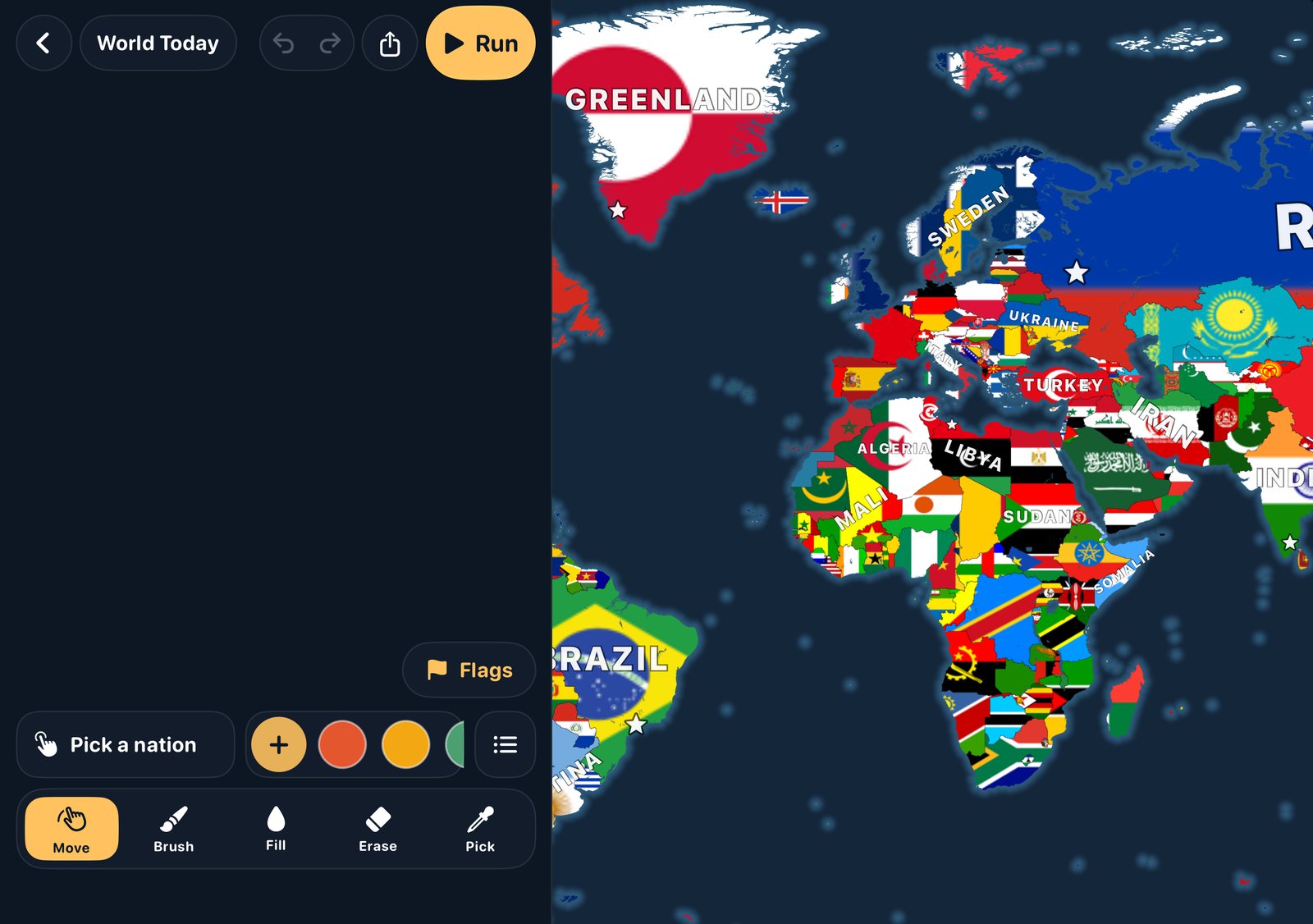
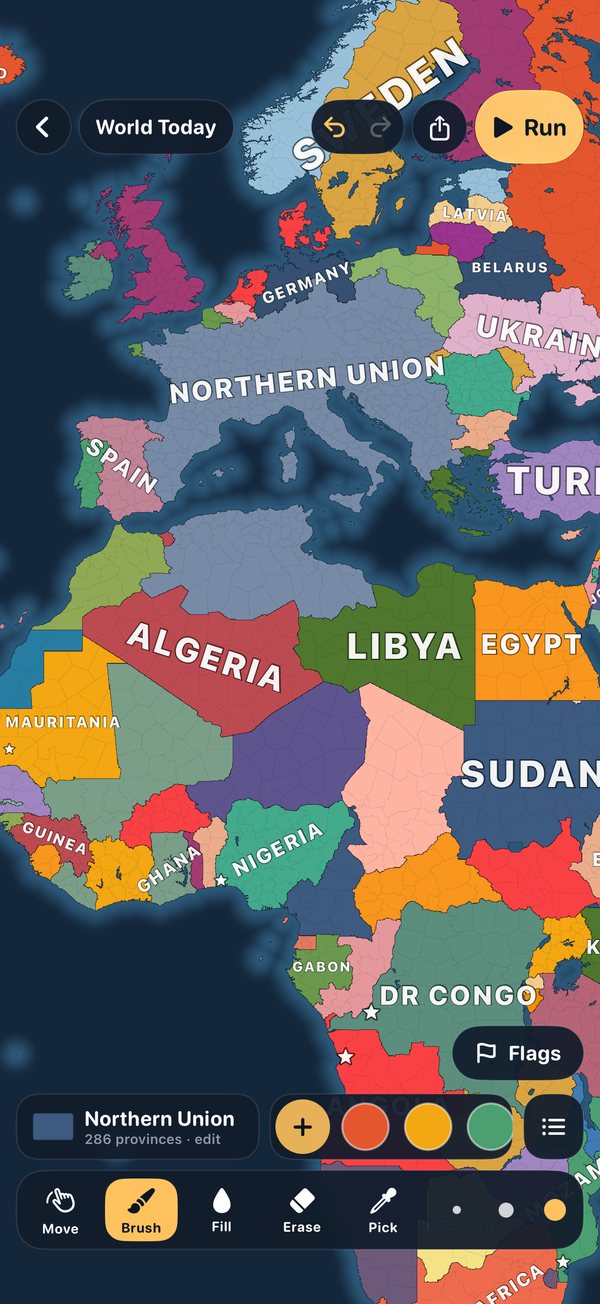
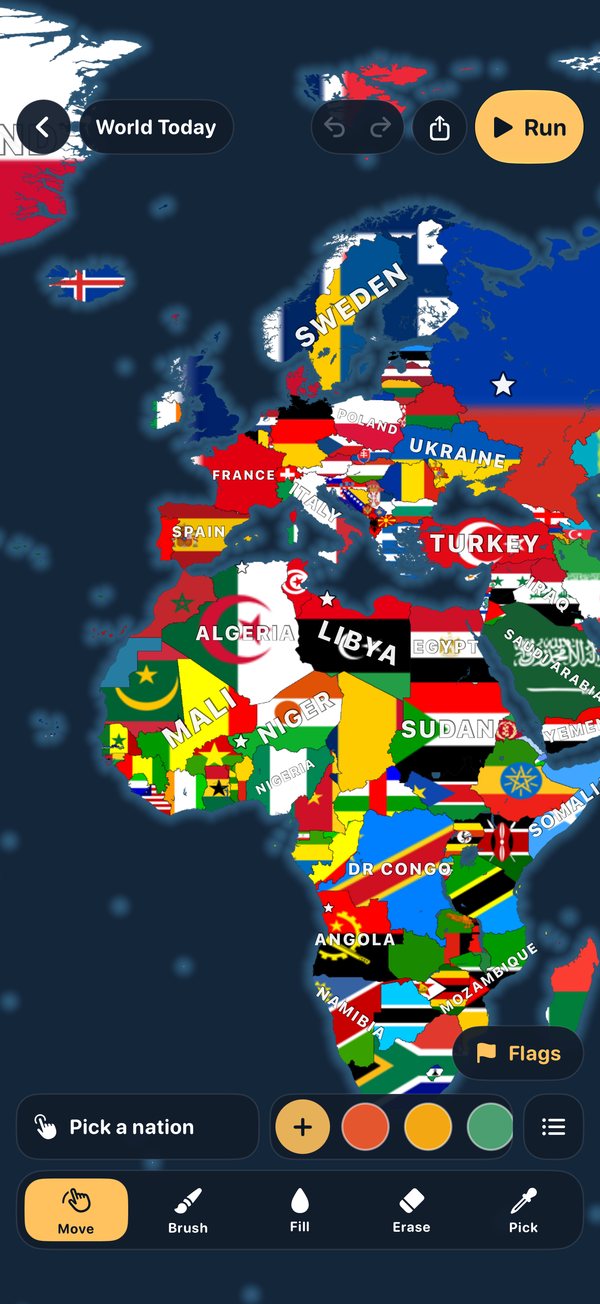
Pick a nation in the bar at the bottom (or tap + for a new one), choose Brush or Fill, and drag over the map. Pick takes a nation from the map, Erase clears land, and Move lets you look around without painting. Undo and Redo are at the top.
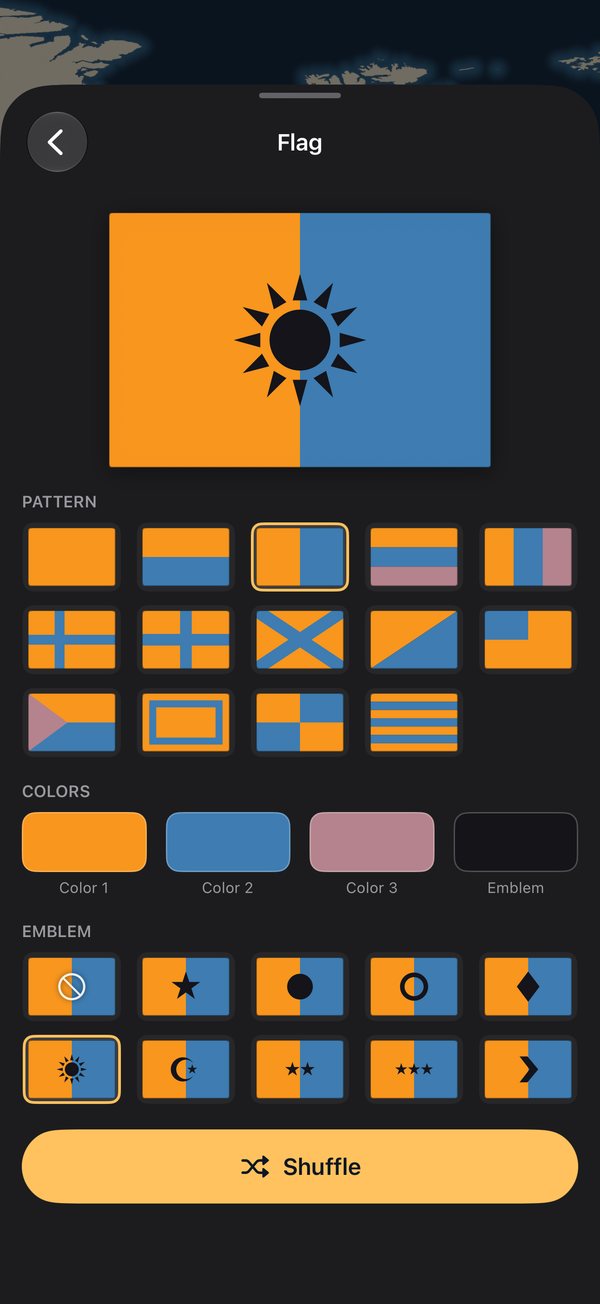
Tap Flags, just above the bar at the bottom while you paint, or the flag button at the top during a war. Every nation then fills its land with its flag. Real countries use their real flags; for your own nations, tap the nation's name and design its flag.
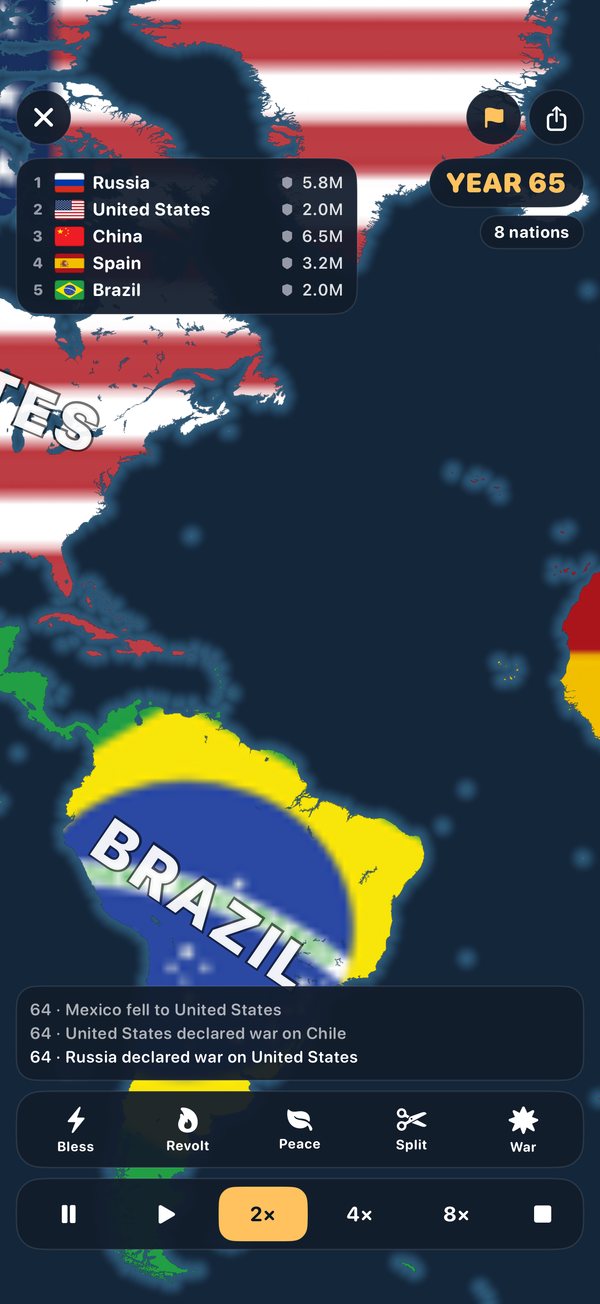
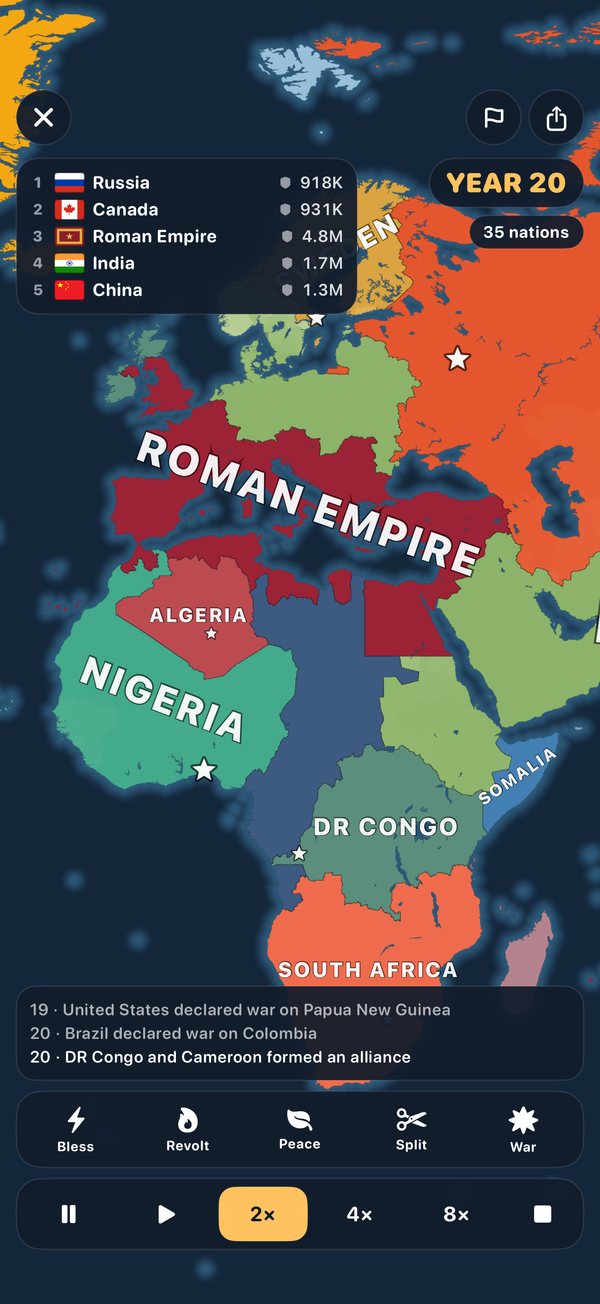
Tap Run. Nations attack their neighbors, make peace, form alliances and revolt on their own; a nation that loses its capital can fall apart. Change the speed at the bottom, or use the god tools (Bless, Revolt, Peace, Split, War) and tap a nation.
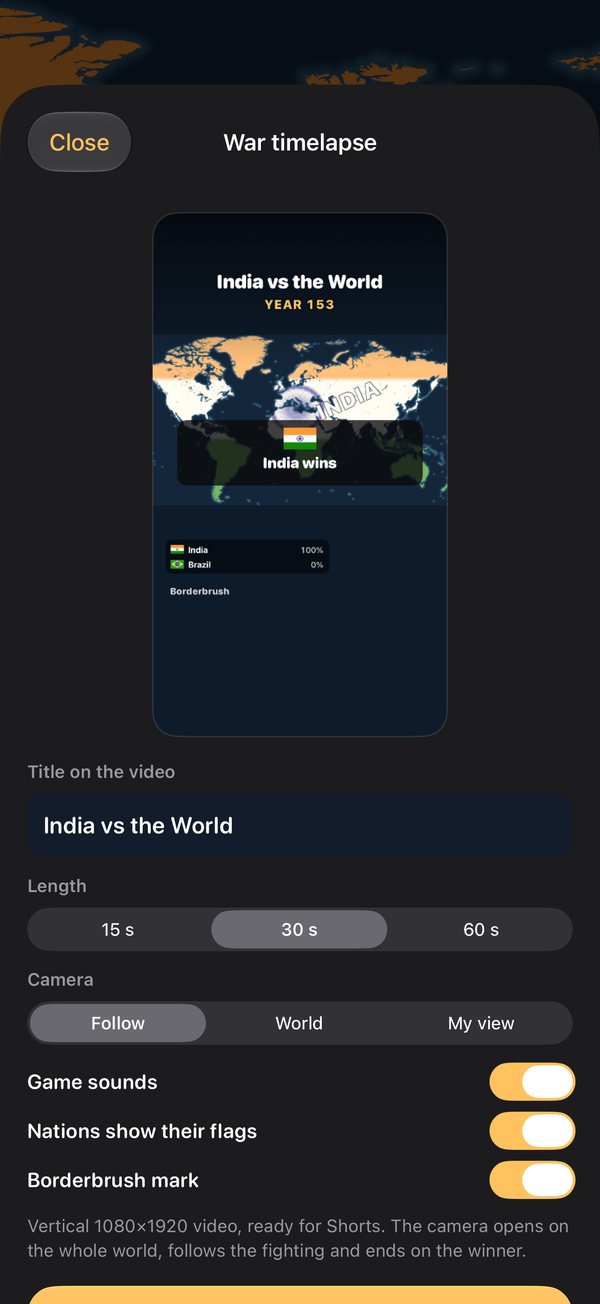
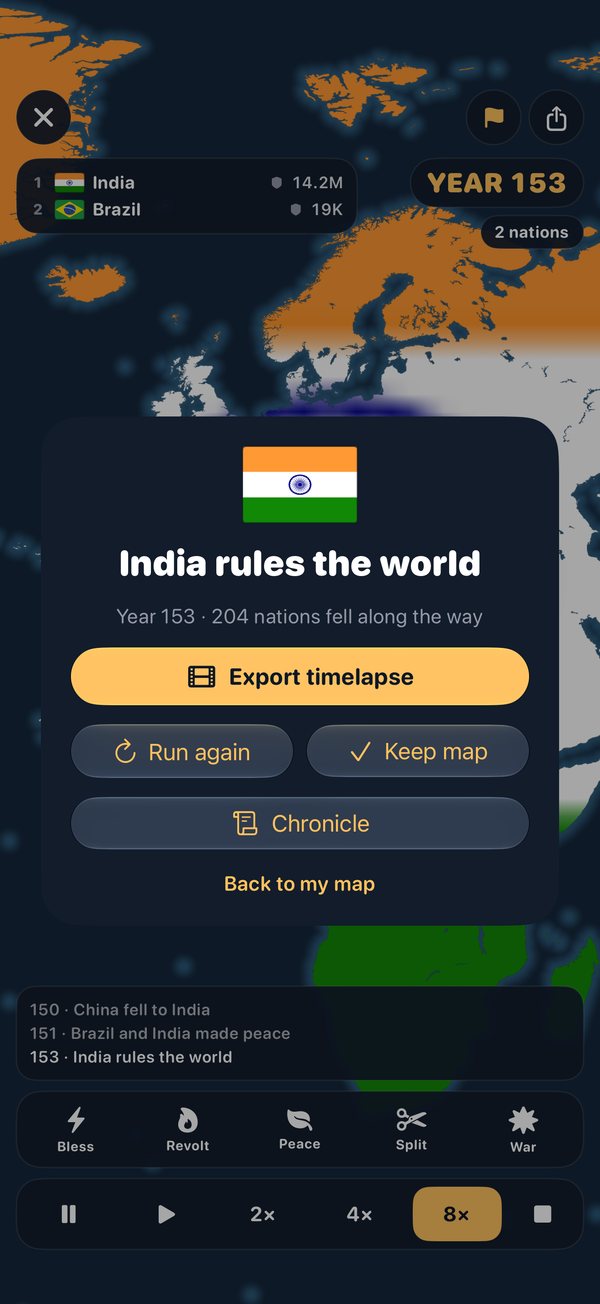
Tap the share button at the top, or Export timelapse when a war ends. Choose the length, the camera (Follow, World or My view), sounds and flags, then Export video. Save it to Photos or share it anywhere.
Yes, if both are signed in to the same iCloud account. Your newest maps sync on their own; a painting timelapse stays on the device where you painted it.
Yes. Open the phone and the controls sit in a side panel beside the map. Fold it and the game carries on on the cover screen, without losing your war.
The map is a game board, not a statement on any border dispute. It comes from Natural Earth map data. Some small countries, such as Vatican City and Tuvalu, are too small to appear at the map's size.