 Tenth Room Studio
Support
Tenth Room Studio
Support
Foldlock
A puzzle box game made for iPhone Duo.

For iPhone Duo and iPhone 11 or later · US$4.99, one-time purchase
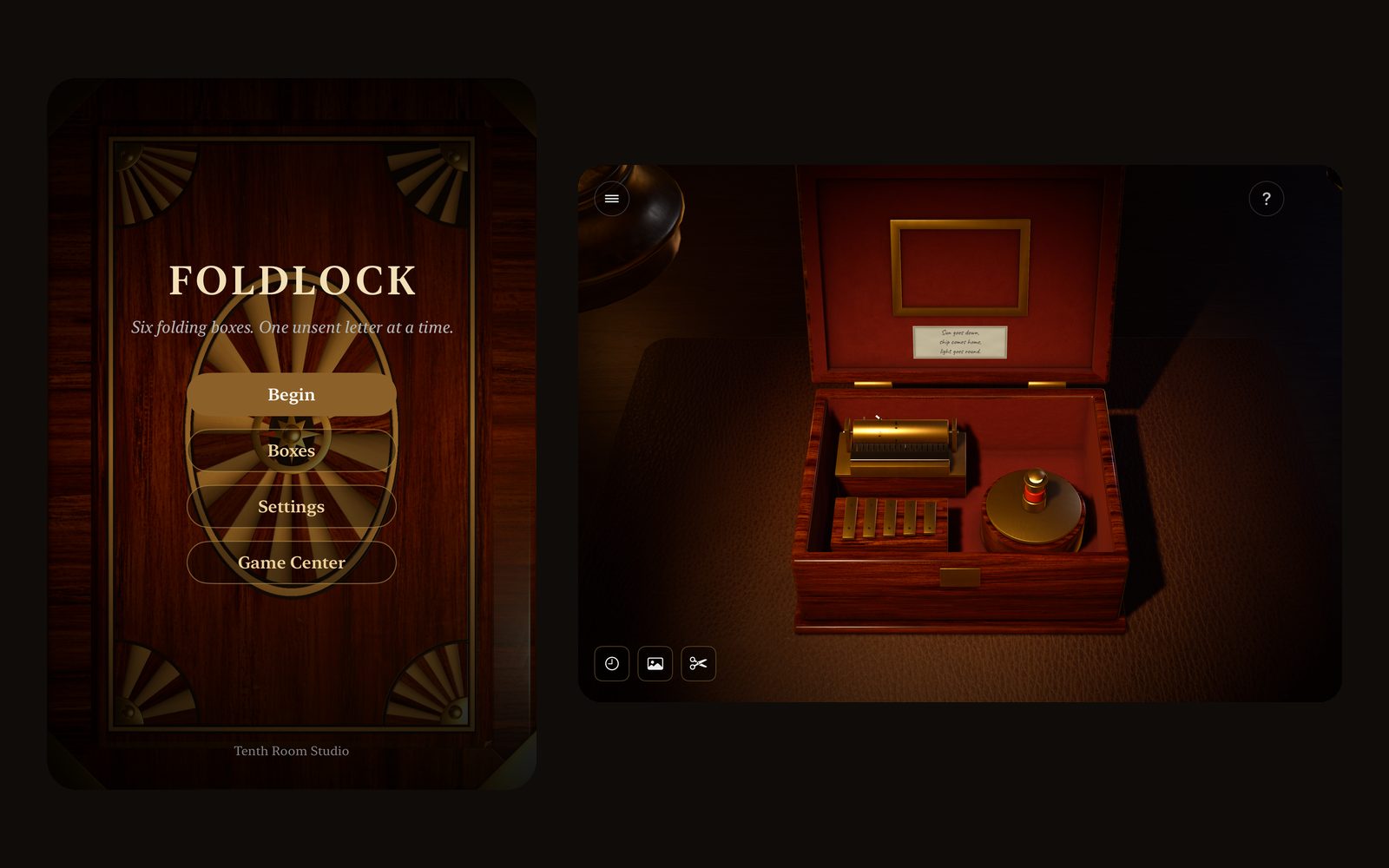
Built for iPhone Duo
Your phone is the box.
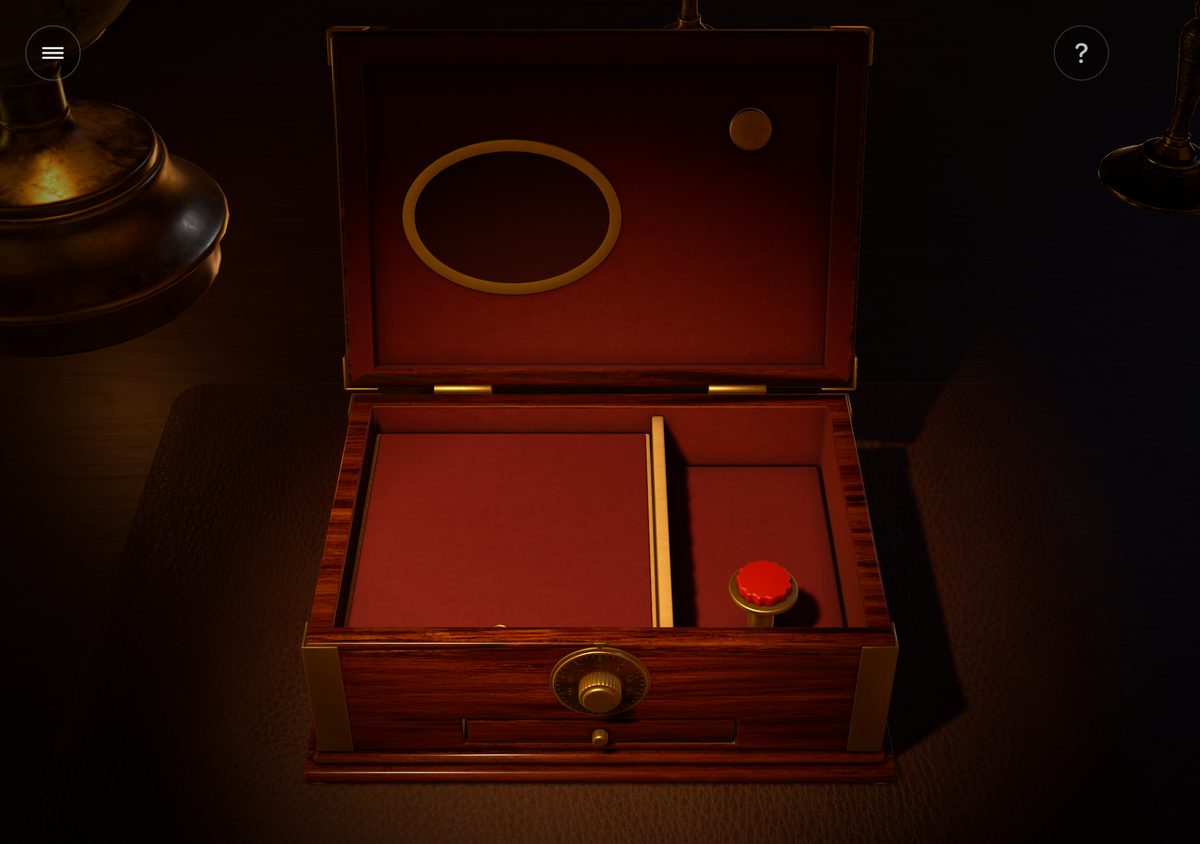
Every box in Foldlock folds the way iPhone Duo folds. The cover screen is the lid, and the hinge is the hinge. Some clues only show when the box is shut. Some only show through a crack of light.
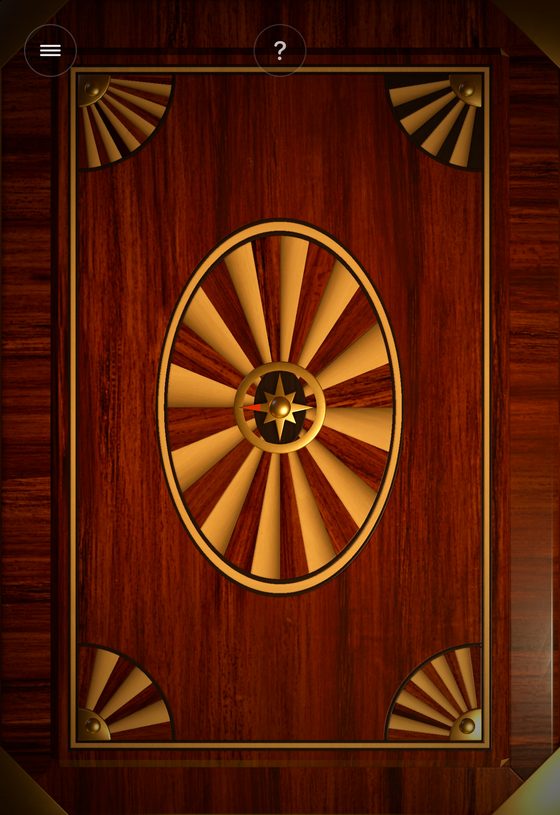
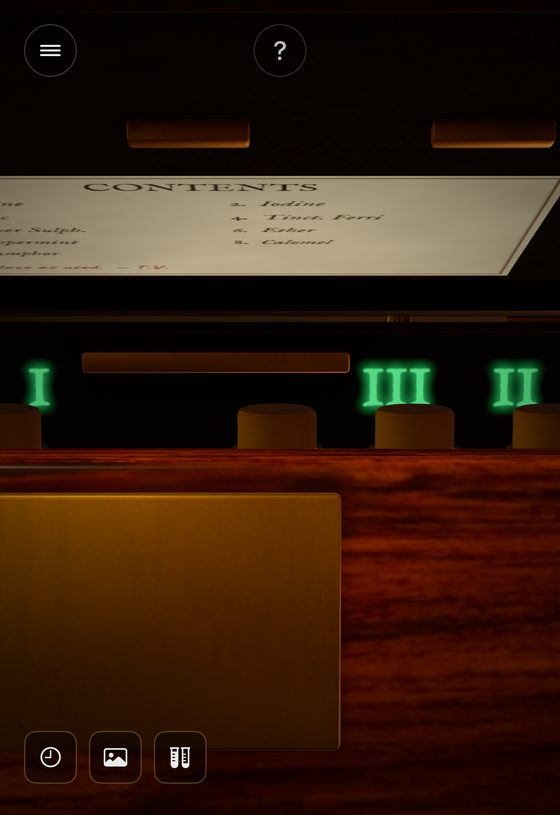
No iPhone Duo? Foldlock also plays on iPhone 11 and later. An on-screen lever moves the lid between Shut, Peek, Half and Open.
The boxes
Six boxes. One family's secret.
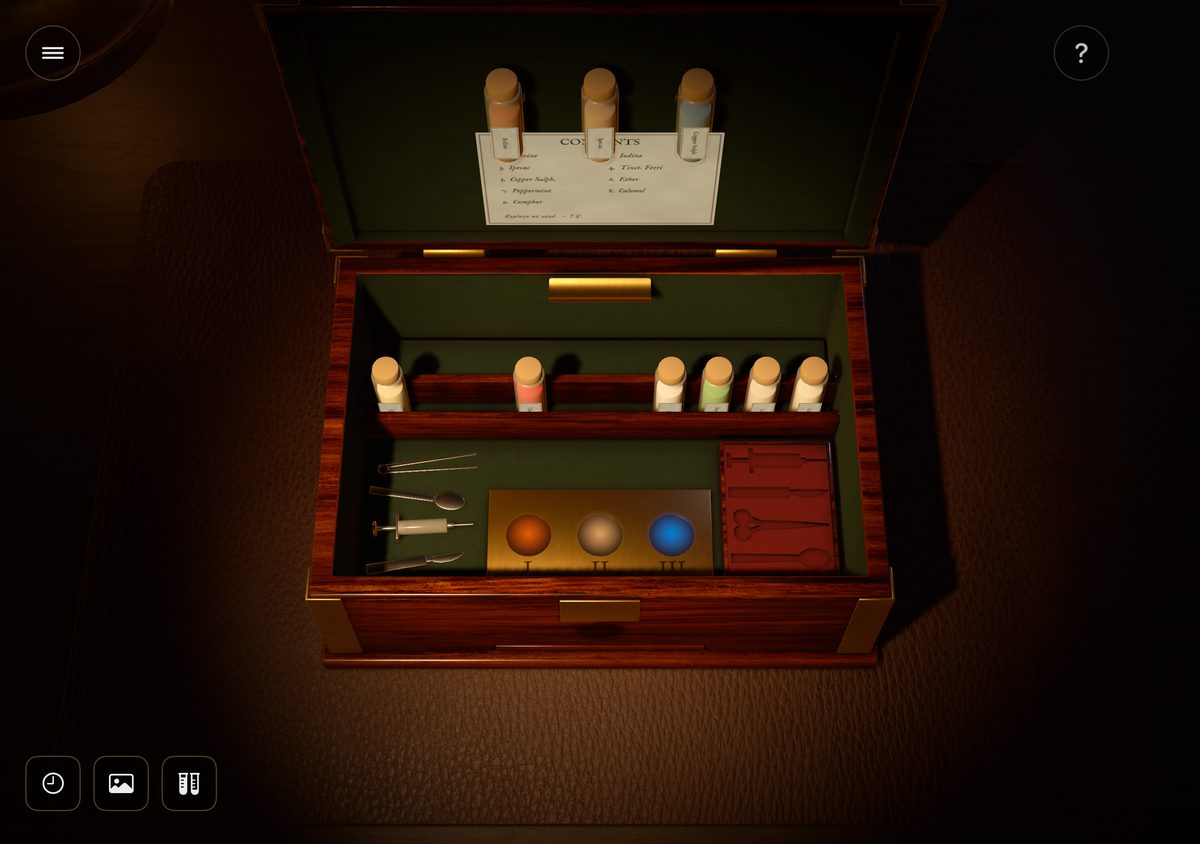
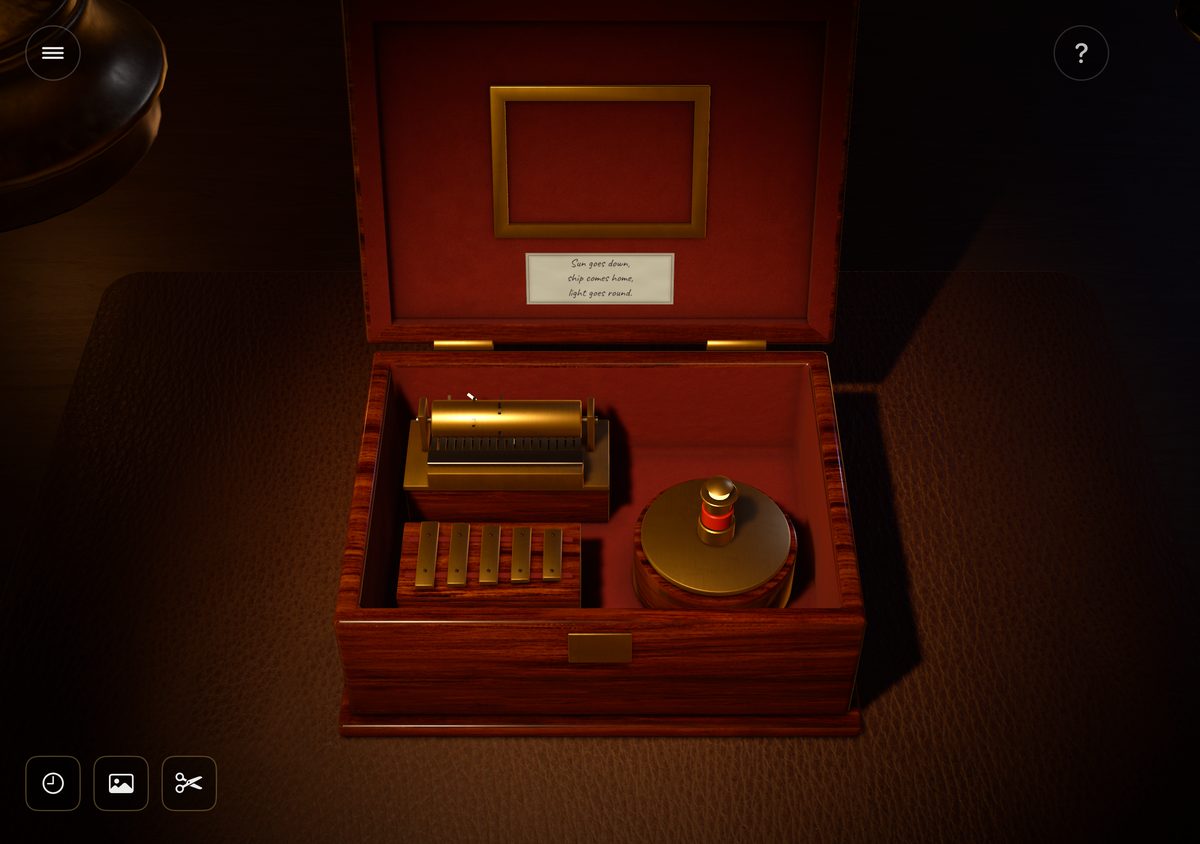
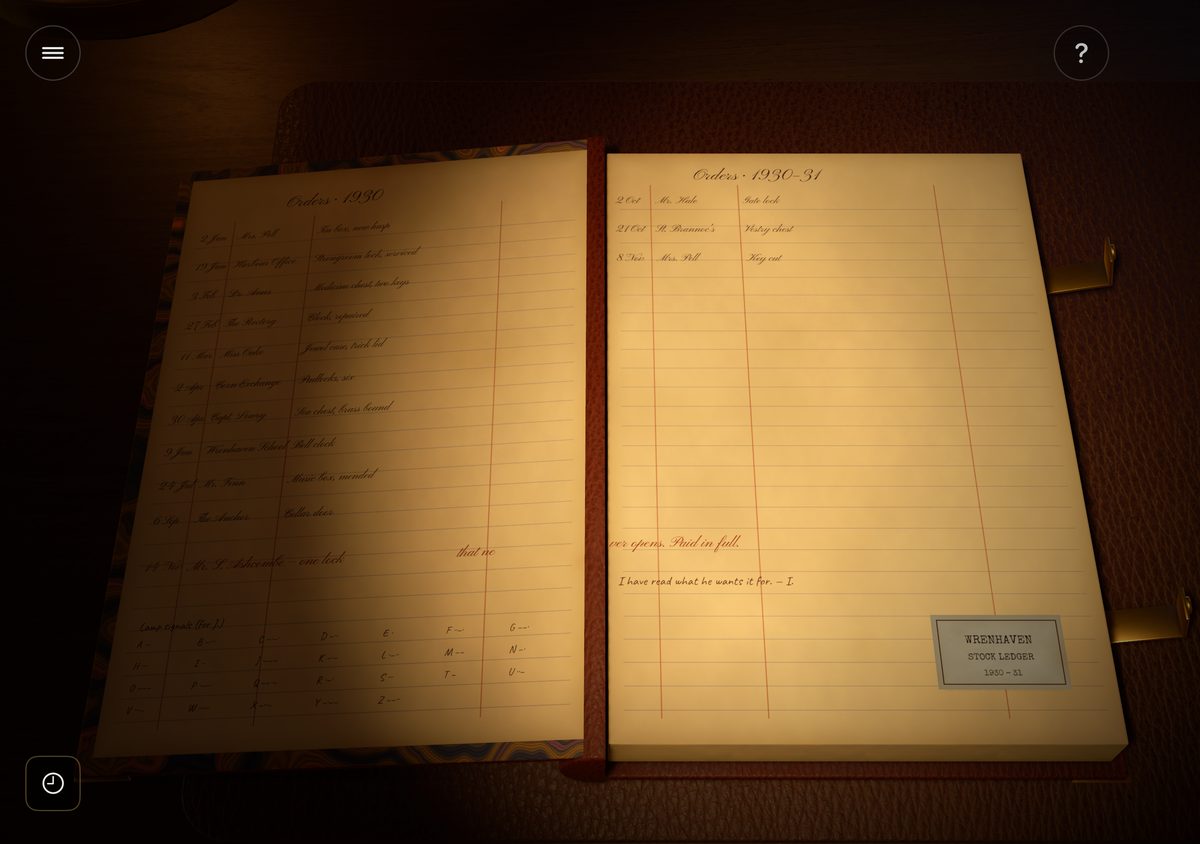
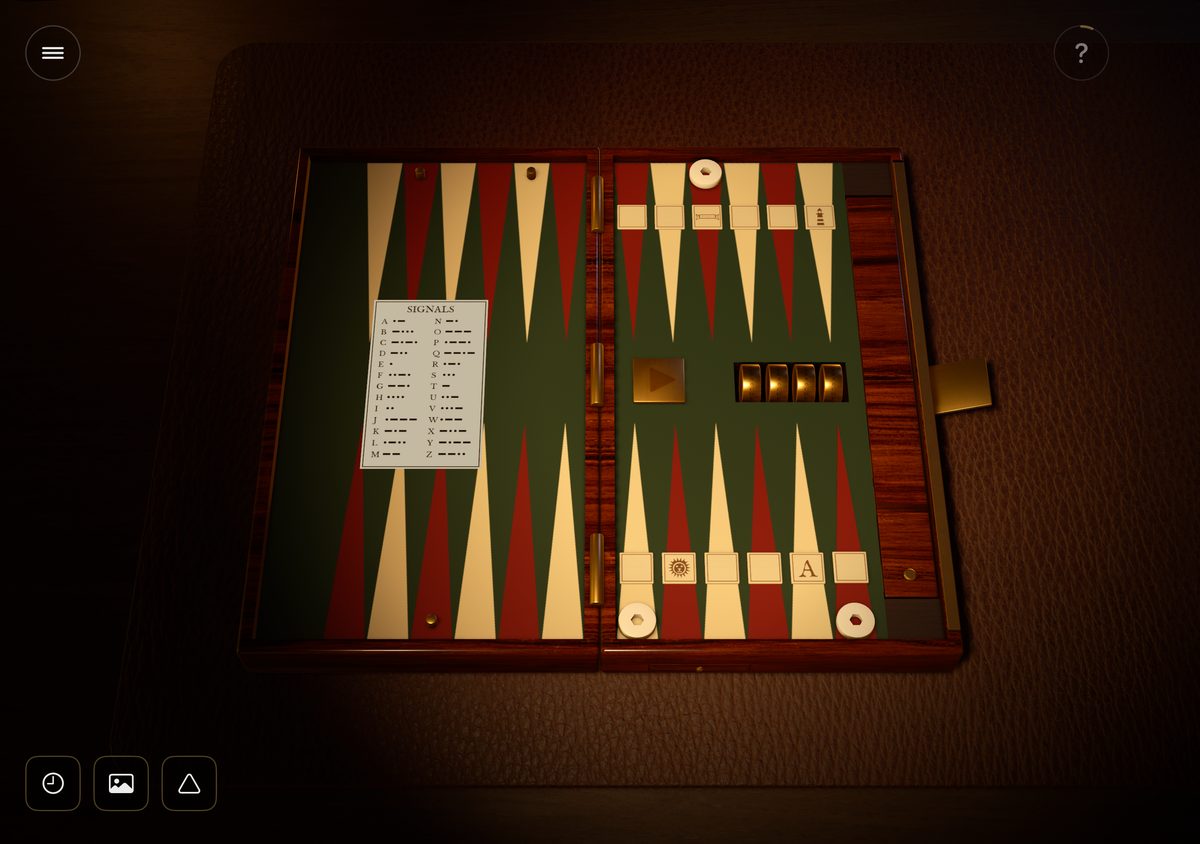
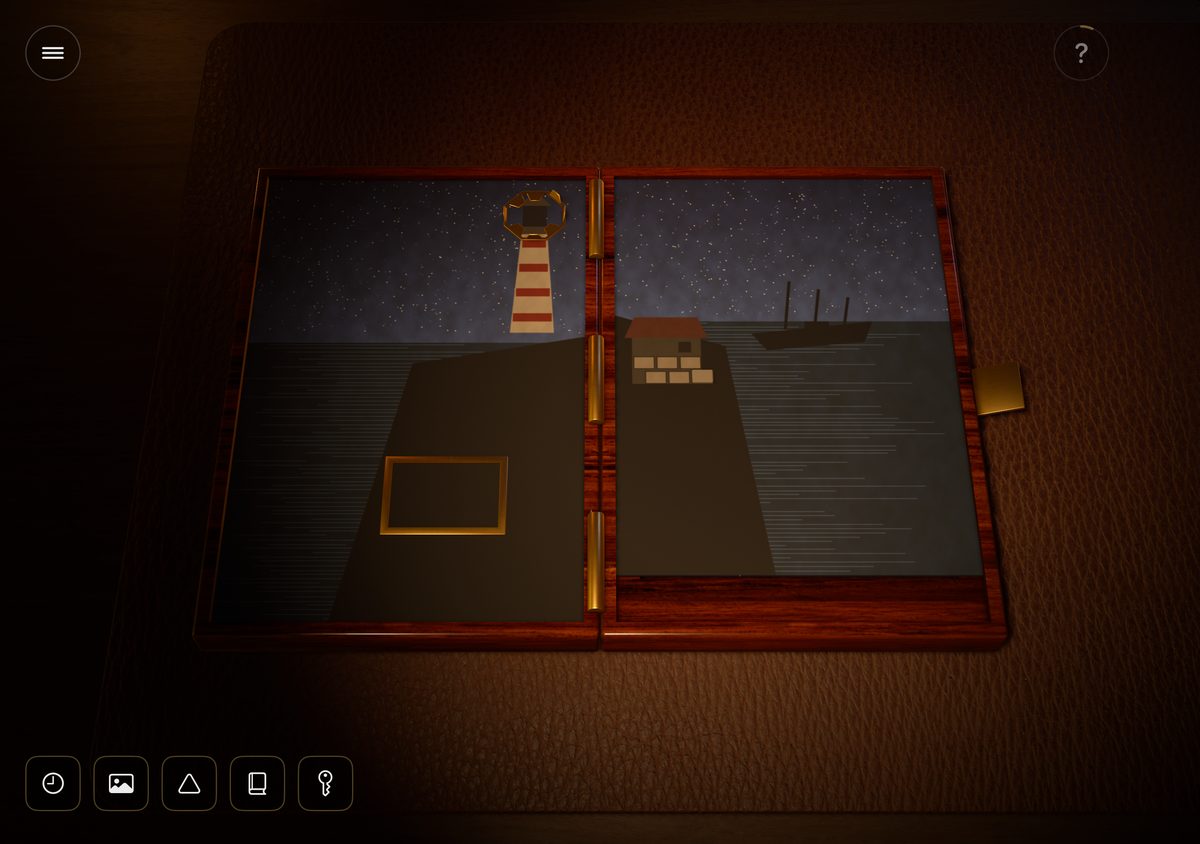
Your mother left you six folding boxes, each one holding the way into the next: your grandmother's jewelry box, a locksmith's ledger, a ship surgeon's case, a music box, a folding game board and a painting of a lighthouse. Open them in order, and find out what happened at Ashcombe Light in 1929.
- Six folding boxes, 48 puzzles
- Every way the phone folds is part of a puzzle
- Three hints for every puzzle, slower to come in later boxes
- Some boxes have to be heard
- Replay any box you have opened, with new answers
- A new shuffled box every day, once all six are open
- Game Center leaderboards and 10 achievements
- Progress syncs with your iCloud account
- One-time purchase. No ads, no in-app purchases, no tracking
Screenshots · iPhone Duo
Support
Questions
On iPhone Duo, fold the phone shut to see the lid, open it a little to peek inside, and open it flat to lay everything out. On other iPhones, use the lever on screen: Shut, Peek, Half and Open. How to play is also in the pause menu.
Open the phone all the way first, then fold it back until it stands like an open laptop. If you open it slowly from shut, iPhone Duo keeps using the cover screen until the phone is open quite wide. You can also turn on the On-screen lid lever in Settings.
In the later boxes, hints take a while to come. The ring around the button fills up until the next hint is ready. Puzzles you have to hear never make you wait.
Some boxes have to be heard. Check the ring/silent switch and the Sound slider in the game's Settings. Headphones help.
Yes. Choose Boxes on the title screen or in the pause menu. Replaying a box never changes your progress.
Yes, if you are signed in to iCloud. Your progress syncs through your own iCloud account.
Tap Game Center on the title screen. You need to be signed in to Game Center on your iPhone.