 Tenth Room Studio
Support
Tenth Room Studio
Support

Keep It Shut
A horror game made for iPhone Duo.
Coming soon to the App Store · iPhone Duo and every iPhone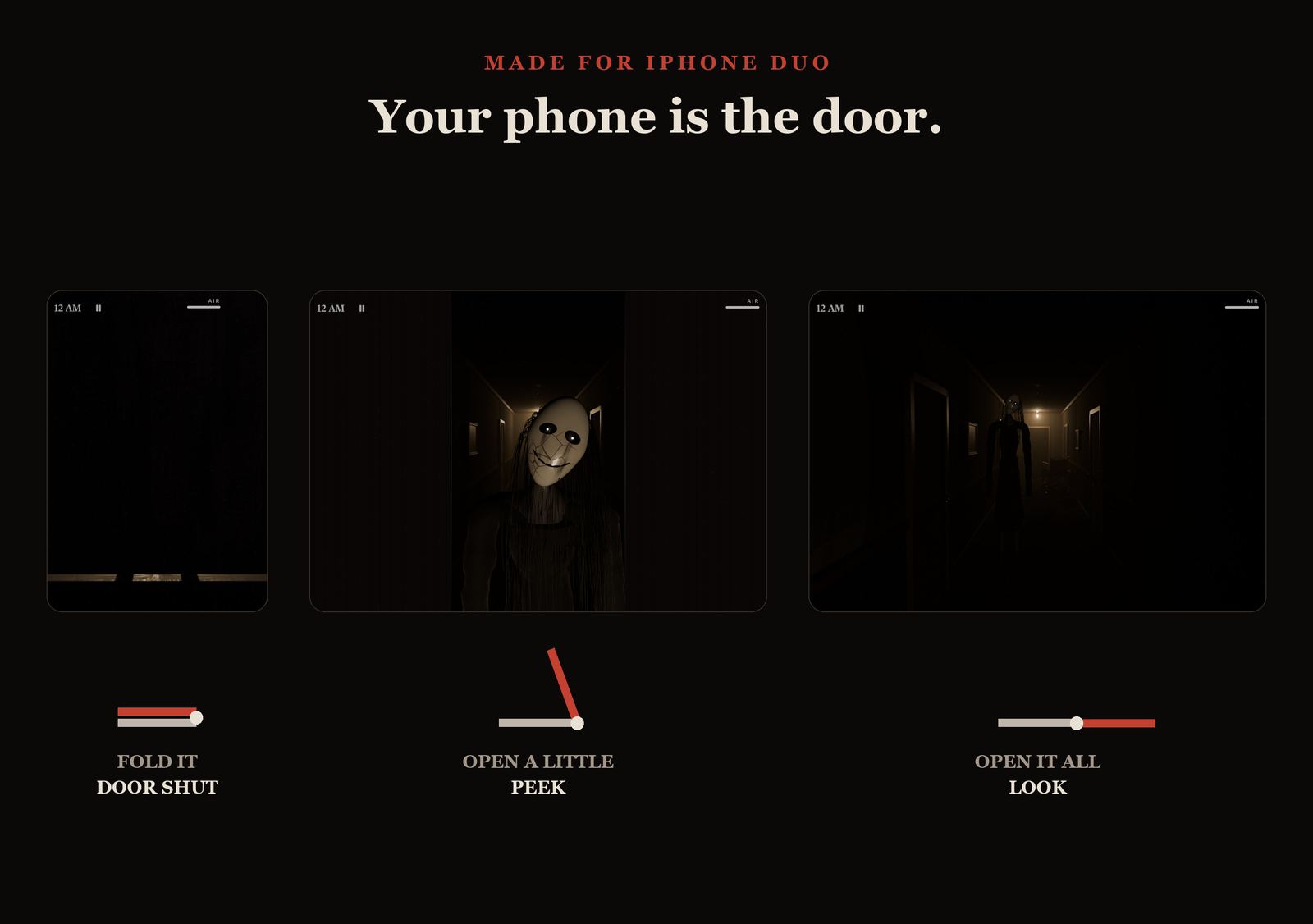
Trailer
Made for iPhone Duo
Your phone is the door.
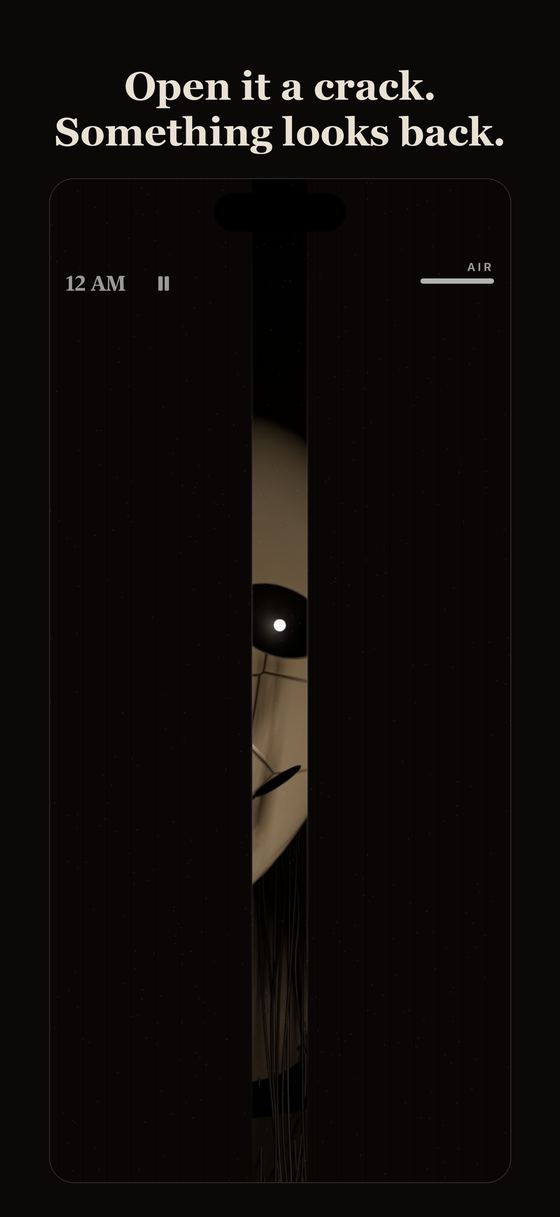
The hinge of iPhone Duo is the hinge of the door to Room 9. There are no buttons during the night. Just the door, and what you hear behind it.
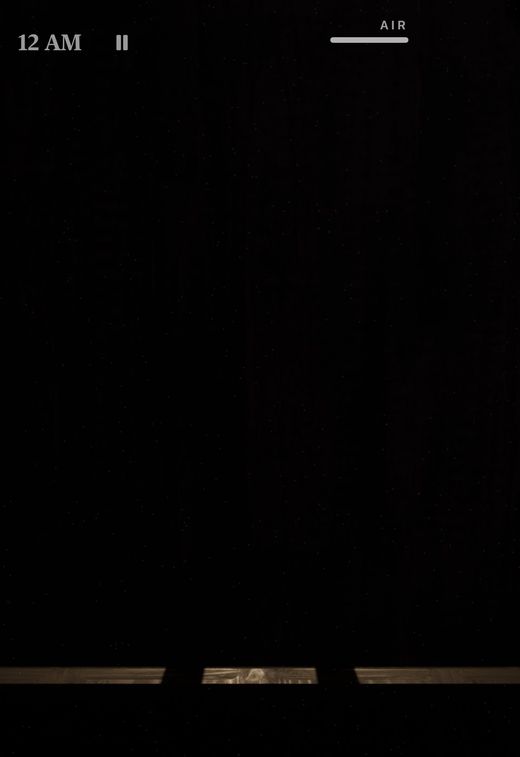
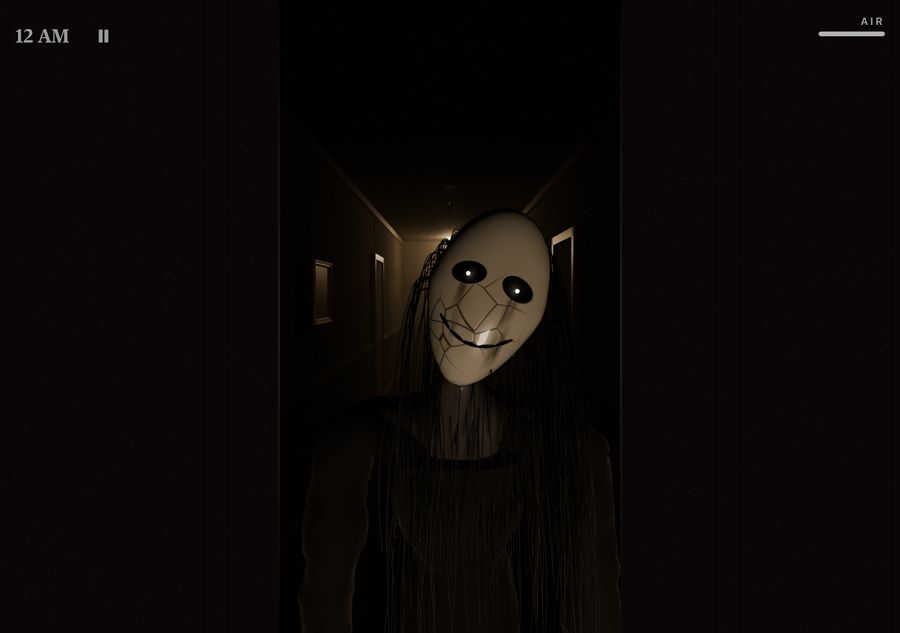
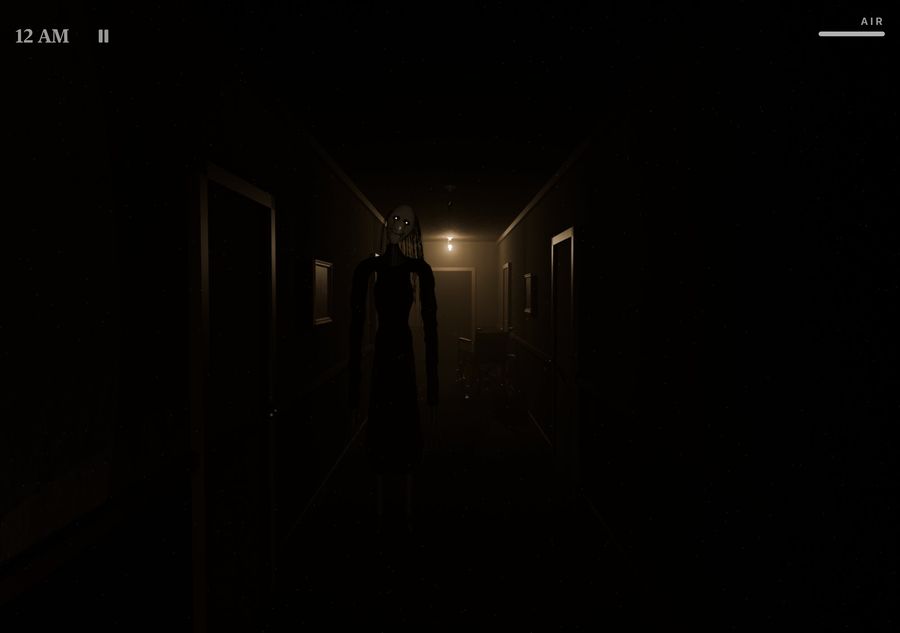
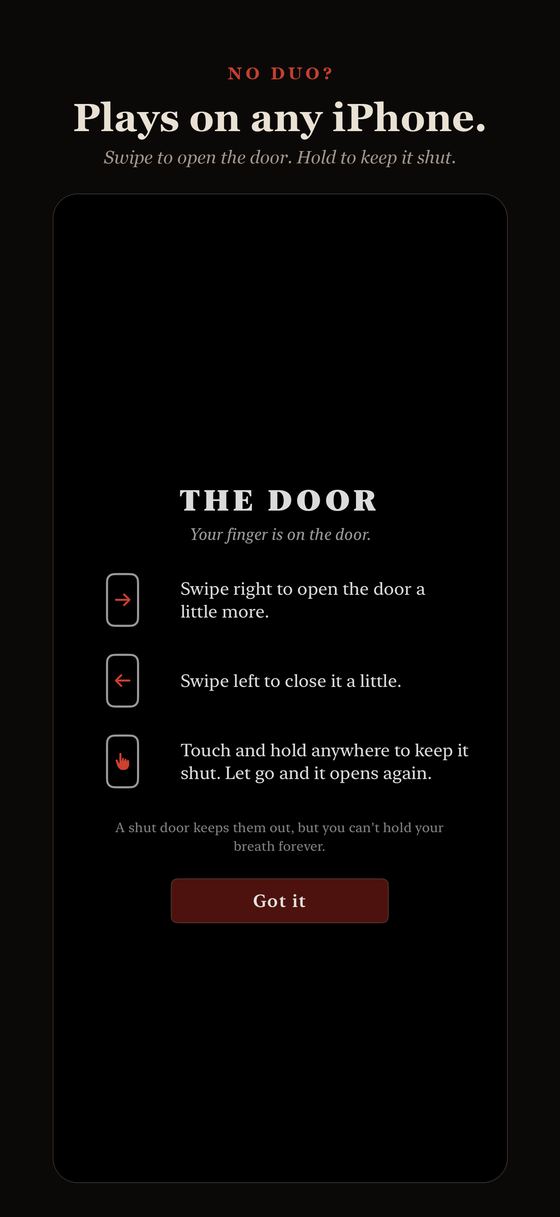
No iPhone Duo? Keep It Shut plays on any iPhone: swipe right to open the door, swipe left to close it, and touch and hold anywhere to keep it shut.
The residents
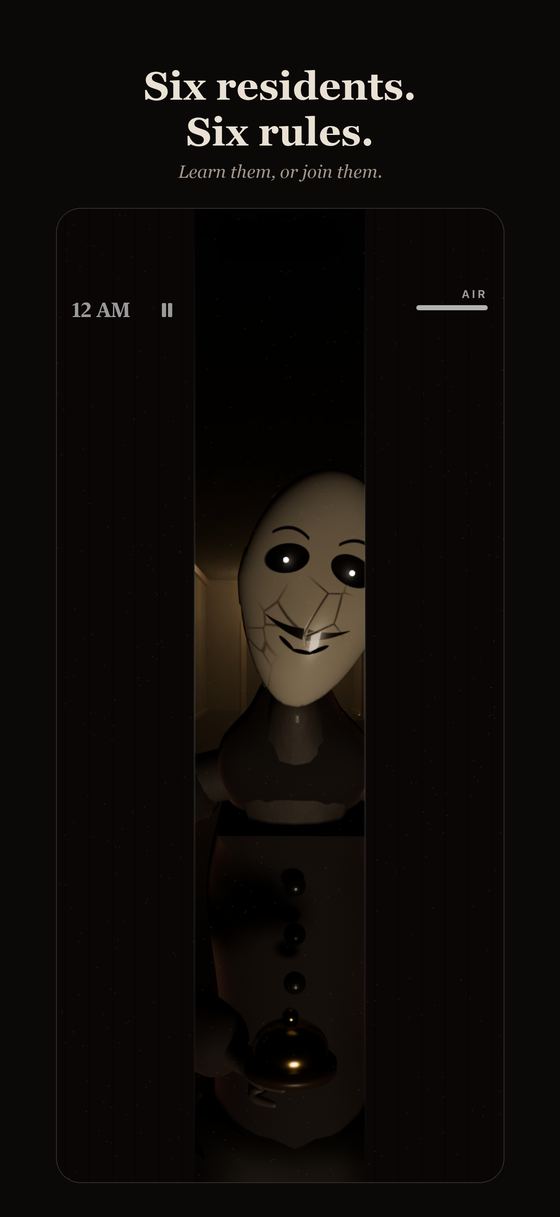
Six residents. Six rules.
Each chapter brings a new resident of the Wexley, and each one has its own rule. Learn them, or join them.

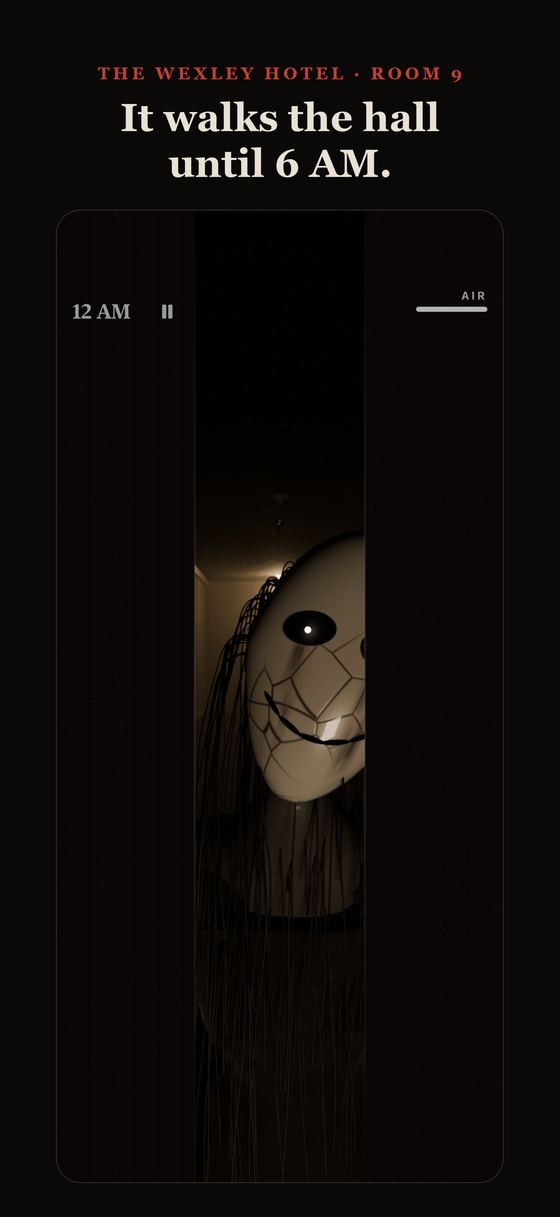
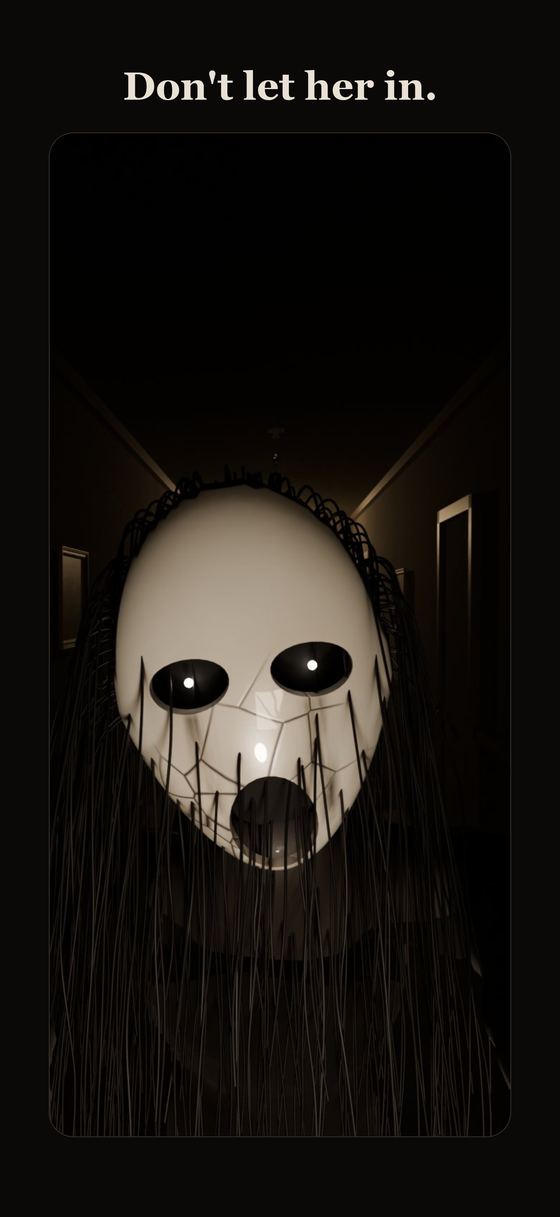
The Widow
Walks the hall. When you hear a heartbeat, shut the door.
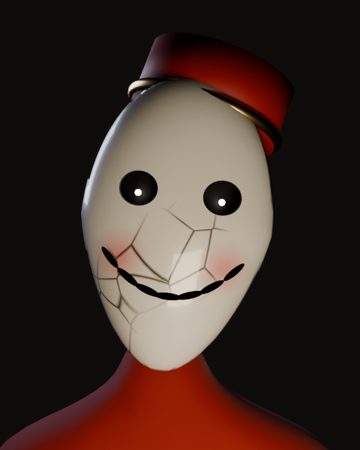
The Bellboy
Only moves when nobody is watching.

Housekeeping
Comes in when a door stays shut too long.
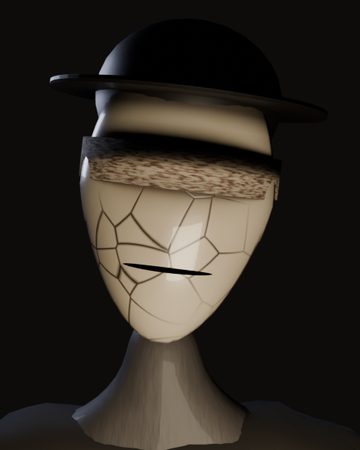
The Blind Guest
Hears the hinges, and your breathing.
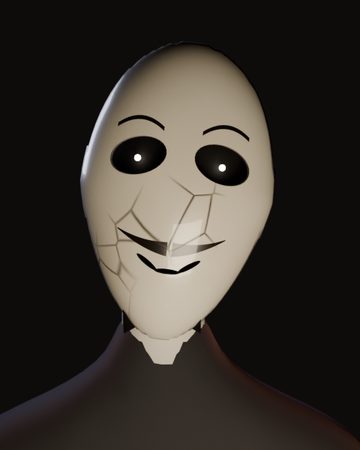
The Manager
Three polite knocks. Don't answer.

???
The sixth has been listening to all of them.
The Wexley Hotel
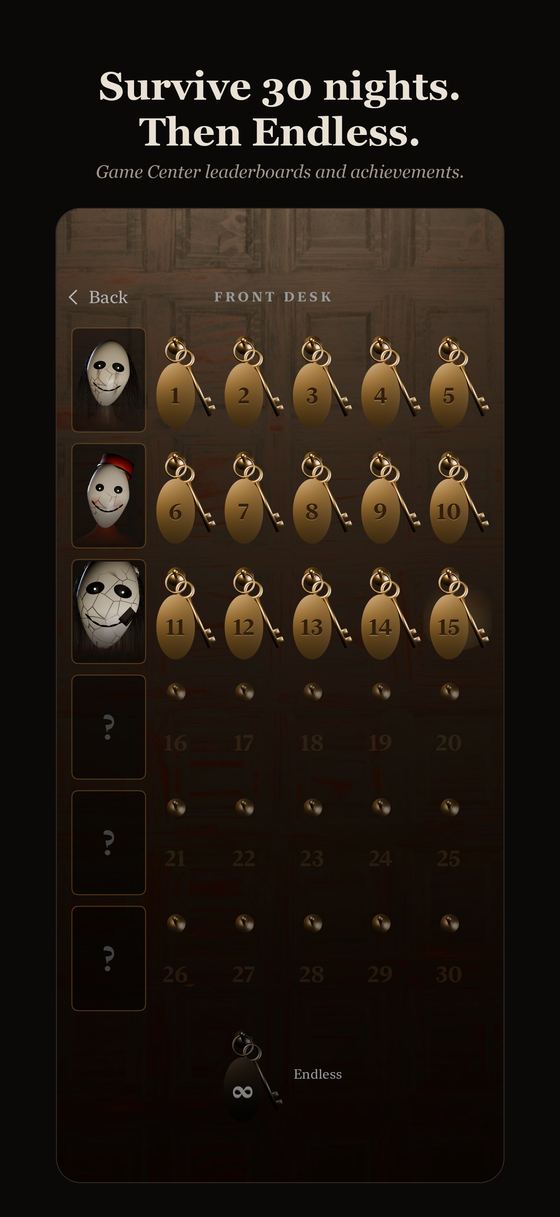
Thirty nights in Room 9.
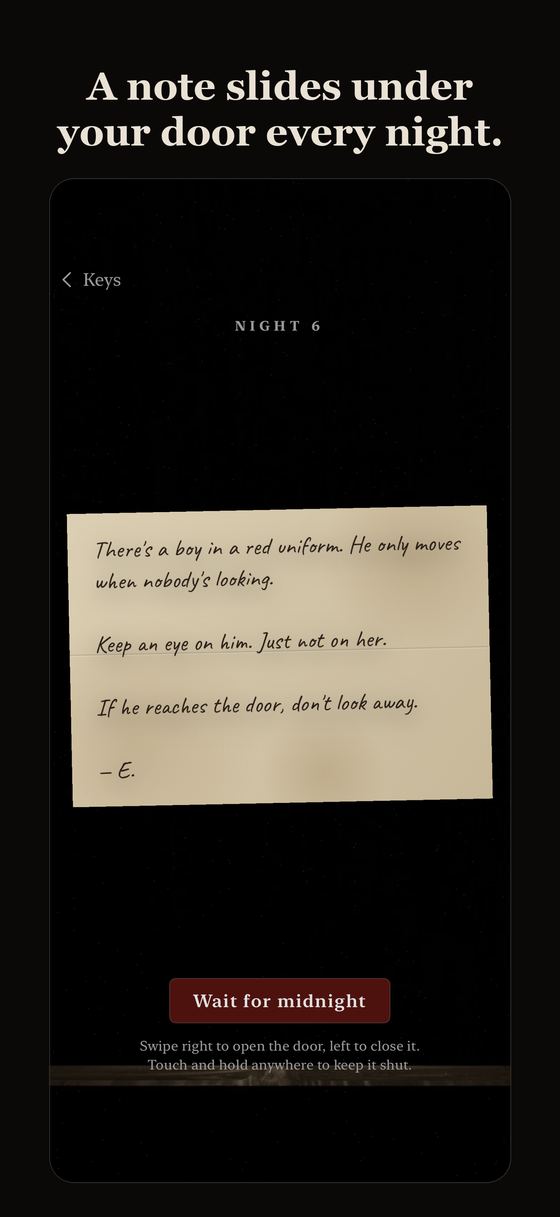
You wake up in Room 9 of the Wexley Hotel. You don't remember checking in. The door doesn't lock. Every night, a note slides under the door, signed only "E.", from the guest who stayed here before you.
- 30 nights in 6 chapters, harder every night
- A handwritten note under your door before each night
- Endless mode once you have met the residents
- Game Center leaderboards and 10 achievements
- Progress syncs with your iCloud account
- Plays on any iPhone with iOS 26 or later
- Reduce flashing option for jump scares
- One-time purchase. No ads, no in-app purchases, no tracking
Screenshots
Support
Questions
On iPhone Duo, fold the phone to shut the door and open it to peek or look. On other iPhones, swipe right to open the door, swipe left to close it, and touch and hold to keep it shut. The controls are also shown before your first night, and again from the pause menu.
Open Settings (the gear on the title screen) and turn on Touch controls to play with swipe and hold instead.
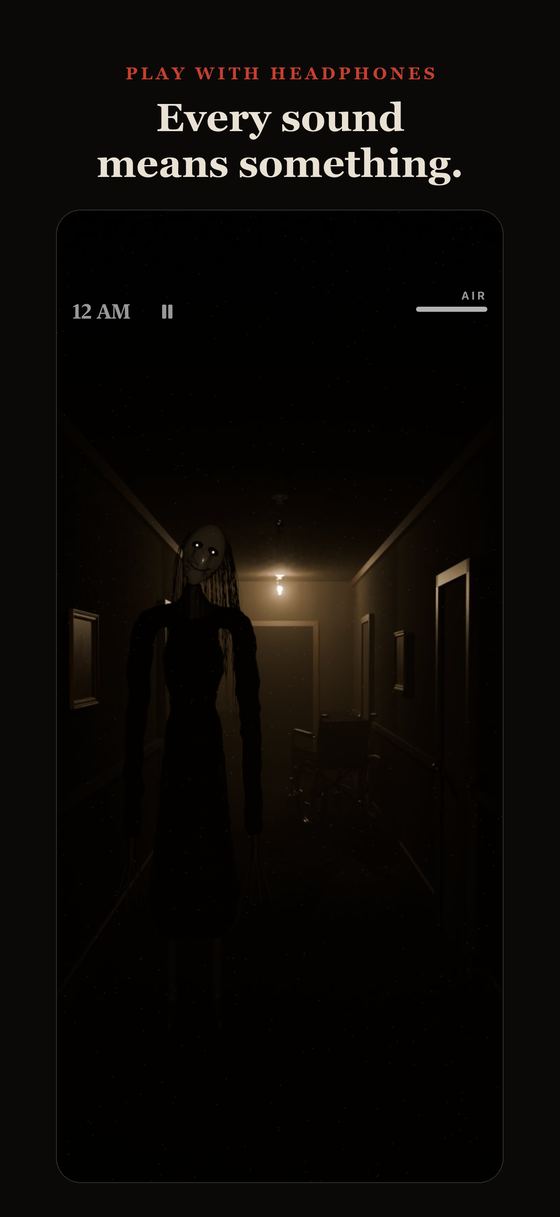
The game is built around sound. Check the ring/silent switch, the volume slider in the game's Settings, and that your headphones are connected before you start a night.
Yes, if you are signed in to iCloud. Nights you have cleared and your best scores sync through your own iCloud account.
In Game Center: open Settings (the gear on the title screen), then Leaderboards or Achievements. You need to be signed in to Game Center on your iPhone.
Turn on Reduce flashing in Settings.